What LinkedIn keeps, and what it drops.
Plain answers about your own LinkedIn data: who viewed you, what you can still find, and what disappears. Every fact comes from LinkedIn Help.
Start hereHow long does LinkedIn keep your history?Every record LinkedIn holds about you, how long you can see it, and what the data archive leaves out.Read the guide
Does LinkedIn show who viewed your profile?Yes, but a free account sees only the three most recent viewers from the last 90 days.Read the guide →LinkedIn private mode: what it hides and costsHides your name, and on a free account your own viewer list.Read the guide →Can people see if you view their LinkedIn?Yes, unless you changed your viewing option first.Read the guide →
Free tools · no signup
Try it on your own LinkedIn export
Drop the file LinkedIn emails you. Everything runs in your browser tab.
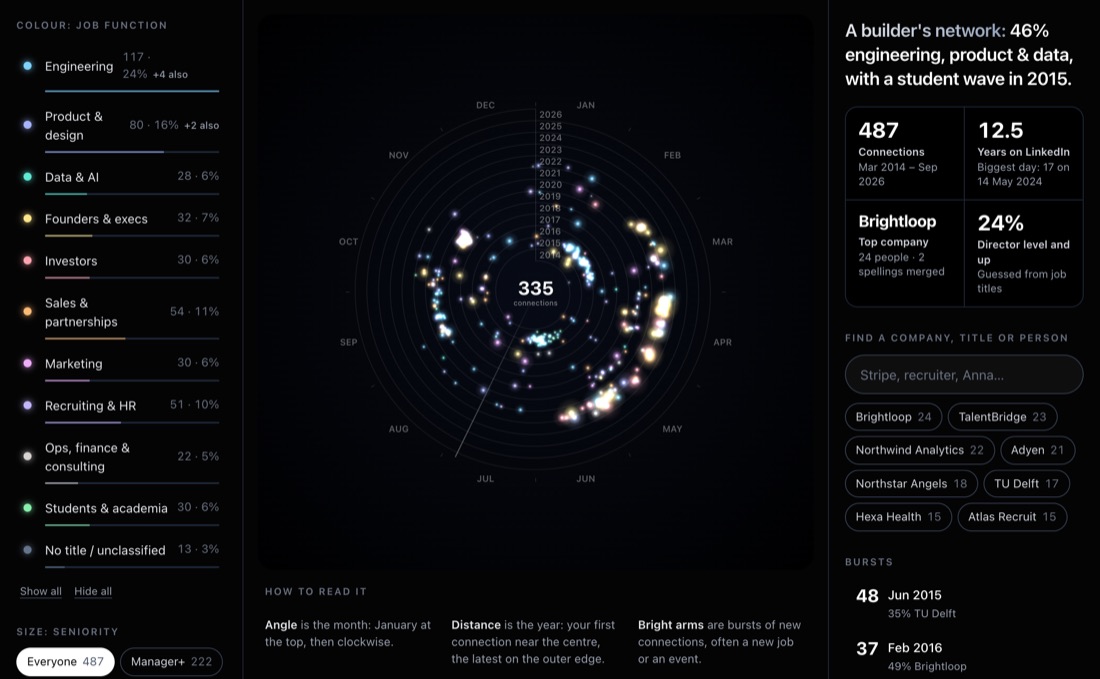
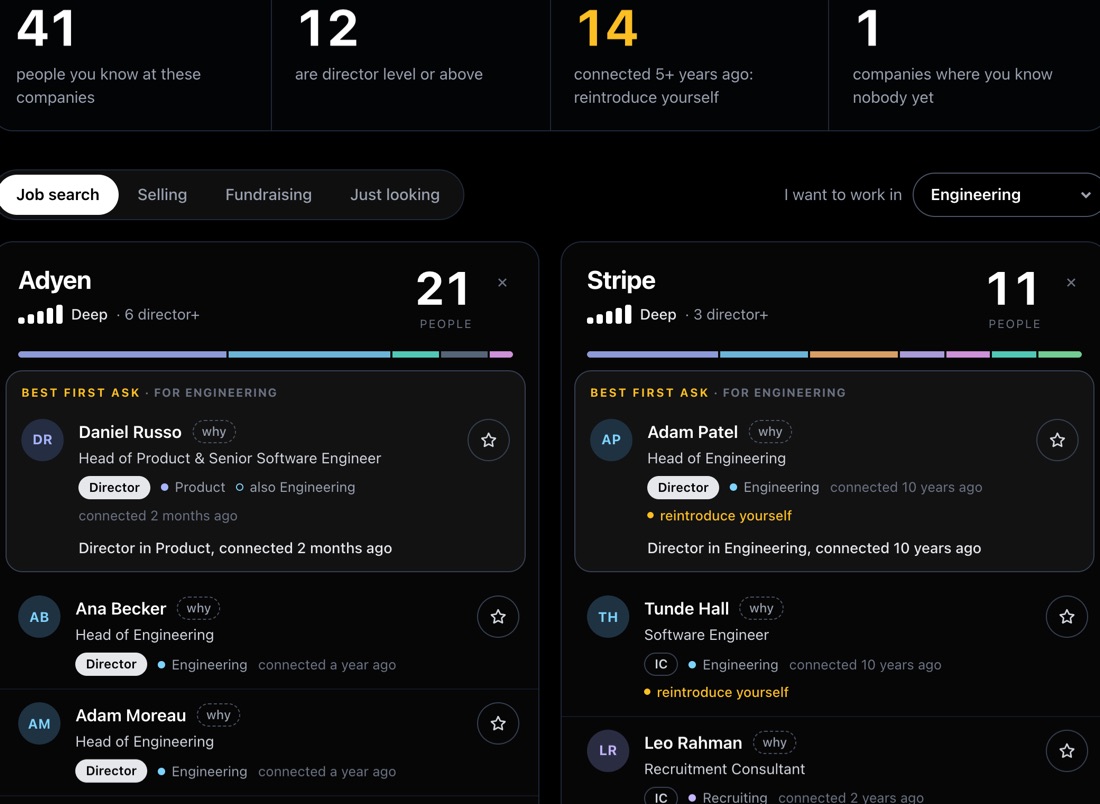
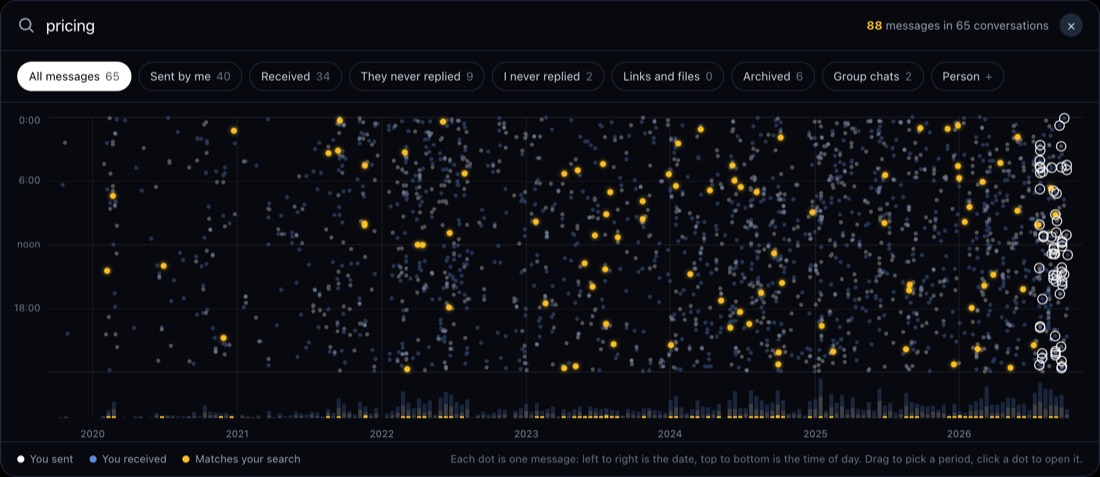
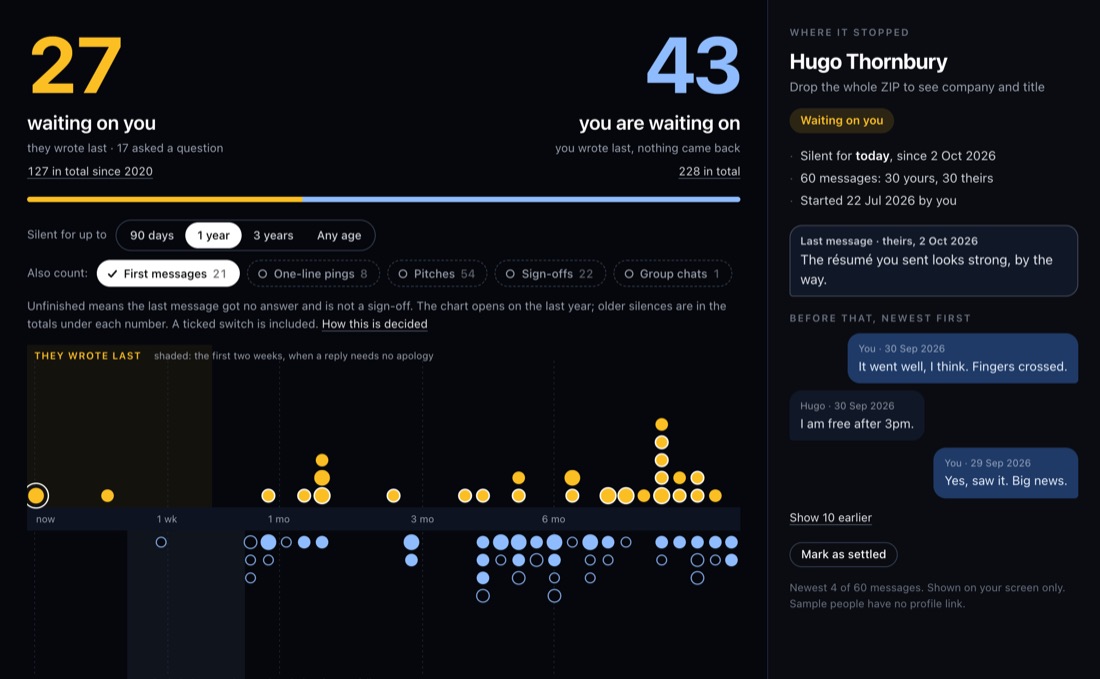
Who viewed you, and who you viewed
Your viewer list, private mode, anonymous viewers, and the profiles you opened.
Does LinkedIn show who viewed your profile?Yes, but a free account sees only the three most recent viewers from the last 90 days.Updated Oct 17, 2026Can't see who viewed your LinkedIn profile? WhyEight causes, from your own private mode to the free cut-off.Updated Oct 11, 2026Recruiter viewed your LinkedIn profile: what nowWhat it means, and whether to message them.Updated Oct 11, 2026Your anonymous LinkedIn viewers: what to learnWhat "LinkedIn Member" means, and why Premium won't name them.Updated Oct 11, 2026LinkedIn private mode: what it hides and costsHides your name, and on a free account your own viewer list.Updated Oct 11, 2026
Show 3 more
Can people see if you view their LinkedIn?Yes, unless you changed your viewing option first.Updated Oct 11, 2026How far back LinkedIn shows your profile views90 days on free, up to 365 on Premium.Updated Oct 11, 2026See profiles you visited on LinkedIn: 3 waysRegular LinkedIn keeps no list of them. Three ways to find a profile you looked at.Updated Oct 24, 2026
Invitations and connections
What happens to the invitations you send and receive, and how to read your connections list.
LinkedIn sent invitations: where each one goesThe Sent tab lists only pending invitations. Accepted, withdrawn and expired ones drop off.Updated Oct 11, 2026How to see all your LinkedIn connectionsYour connections are under My Network, then Connections. The page shows at most 1,000 results.Updated Oct 11, 2026LinkedIn connection growth over time, by monthLinkedIn shows only today's total. Connections.csv has a Connected On date for each connection.Updated Oct 11, 2026Where to find LinkedIn invitations you receivedReceived invitations sit under My Network, Invitations, in two views: Focused and Other.Updated Oct 11, 2026How to calculate your LinkedIn acceptance rateInvitations accepted divided by invitations sent in the same period, times 100.Updated Oct 11, 2026
Show 6 more
What happens if you ignore a LinkedIn invitationThe sender is not notified when you ignore a LinkedIn invitation, and can invite you again.Updated Oct 11, 2026Who accepted my LinkedIn invite? 3 ways to checkLinkedIn has no list of accepted invitations. Your newest connections and a 1st badge show who accepted.Updated Oct 24, 2026Remove a LinkedIn connection: will they know?LinkedIn does not notify them, but recommendations and endorsements between you are withdrawn.Updated Oct 11, 2026LinkedIn weekly invitation limit: count yoursLinkedIn confirms a weekly invitation limit but publishes no number and no reset rule.Updated Oct 11, 2026Withdraw a LinkedIn invitation: what happensThey are not notified, and you wait up to three weeks before you can invite them again.Updated Oct 11, 2026Do LinkedIn invitations expire, and when?LinkedIn invitations expire after six months, with up to two reminders to the recipient first.Updated Oct 11, 2026
Messages and follow-ups
Your inbox history, and the conversations that went quiet.
LinkedIn messages disappeared? Where they wentA vanished LinkedIn conversation has usually moved to Other, Archived or Spam, not been deleted.Updated Oct 18, 2026Track LinkedIn follow-ups without a spreadsheetLinkedIn has no follow-up list. Who wrote last sorts each conversation into you owe, they owe or gone quiet.Updated Oct 24, 2026Can you unsend a LinkedIn message?No unsend button, but Delete within 60 minutes removes a sent message for everyone and leaves a note.Updated Oct 18, 2026Find and restore archived LinkedIn messagesArchived LinkedIn chats are not deleted: pick Archived in the inbox dropdown, then More and Restore.Updated Oct 18, 2026LinkedIn Other inbox: find messages you missedA LinkedIn message you never saw is often in Other. Pick Other from the inbox dropdown to find it.Updated Oct 18, 2026
Export and back up your data
What LinkedIn's data download contains, how to get your connections out, and what to do with the file.
LinkedIn data export: what's inside each file69 files, and not one lists your viewers or the profiles you visited.Updated Oct 24, 2026Import LinkedIn connections to Google SheetsConnections.csv imports with File, Import. Clear the notes above the header and check the dates.Updated Oct 11, 2026How to tell if someone removed you on LinkedInLinkedIn sends no notice. Read the degree on their profile, or compare two Connections.csv files.Updated Oct 11, 2026See when you connected with someone on LinkedInThe date you connected with someone is in the Connections file of your LinkedIn data export.Updated Oct 11, 2026Export LinkedIn connections to CSV: what's in itConnections.csv comes inside LinkedIn's larger data archive, as of October 2026. It has seven columns.Updated Oct 11, 2026
Keep your own record from today.
LinkedAsk saves the profiles you visit, who viewed you and the invitations you send, so you can find them after LinkedIn drops them.
Add to Chrome