Do LinkedIn invitations expire, and when?
Anna SheronovaUpdated
Yes. LinkedIn invitations expire after six months, LinkedIn Help says as of October 2026, and the recipient gets up to two reminders before that happens. An expired connection request no longer shows as pending, and you can send that person a new one.
- until a sent invitation expires, per LinkedIn Help
- 6 months
- reminders, sent to the recipient before it expires
- Up to 2
- before you can re-invite someone after withdrawing
- Up to 3 weeks
LinkedIn's page does not say "no one is notified" or "it leaves both lists", two lines you may have read elsewhere. For the other ways a request can end, see the guide to your sent LinkedIn invitations.
The life of a connection request
DiagramSent
You click Connect
Pending
Up to two reminders go to the recipient while it waits
Accepted
You are connected
Withdrawn
You take it back
Ignored
They click Ignore, and you are not notified
Expired
As of October 2026: expires after six months, then no longer pending
Accepted
You are connected
Withdrawn
You take it back
Ignored
They click Ignore, and you are not notified
Expired
As of October 2026: expires after six months, then no longer pending
What LinkedIn Help says about invitation expiry
LinkedIn's connections FAQ puts it in two sentences: "Invitations expire after six months. Before they expire, LinkedIn sends up to two reminders to the recipient." The reminders go only to the person you invited. They stop once the invitation is accepted or archived, and withdrawing it stops them too.
The same page says what expiry does: the invitation no longer appears as pending, and you can send a new one. LinkedIn does not say which lists the request leaves, when the rule took effect, or whether anyone is told.
LinkedIn Help describes no notice to you or to the recipient when an invitation expires. It does state a no-notice rule in two other places: the recipient is not notified when you withdraw an invitation, and you are not notified when the recipient ignores one. The sign you will see on your side is the request no longer listed as pending in your Sent tab.
| Question | What LinkedIn Help says | What it does not say |
|---|---|---|
| How long does a request last? | StatedInvitations expire after six months. | When the rule started, or what happens to older requests |
| Before it expires | StatedUp to two reminders, sent to the recipient. | Any reminder or notice sent to you |
| After it expires | Partly statedIt no longer appears as pending. | Which lists it leaves |
| Is anyone told? | Not statedDescribes no notice for expiry. | That "neither side is notified" |
| Sending again | StatedYou can send a new one. | Any wait after expiry (the three-week wait is for withdrawals) |
Old requests that still show as pending
LinkedIn Help added the expiry answer between December 2025 and February 2026. It has not said when expiry started or whether invitations sent before it are cleared.
That gap matters if you see requests older than six months. One member on Reddit asked about a "connection invite pending for over 2 years". A request you still see after more than six months is either from before LinkedIn documented the rule, or a case LinkedIn has not explained. Either way, you can check and clear it yourself.
Open your Sent tab
As of October 2026 the path is My Network, then Invitations (Show all, or Manage when you have no received invitations), then Sent.
Find the oldest requests
Work down the list and note any you sent more than six months ago.
Decide on each one
Keep the ones you still want. Withdraw the rest. The recipient is not told, and you cannot invite that person again for up to three weeks.
Sent invitations
Illustration · example data- MLMaya LindqvistProduct designer, health techSent in MarchPendingWithdraw
- KMKenji MoriSales lead, logistics softwareSent last yearOlder than six monthsPendingWithdraw
Expired, ignored or withdrawn
LinkedIn tells you nothing when a request is ignored, and its Help describes no notice for expiry. So a request you stop seeing, or one that stays pending, does not tell you on its own what happened. LinkedIn documents these outcomes:
- Expired: nobody acted, and LinkedIn stopped showing it as pending after six months.
- Ignored: the recipient clicked Ignore. LinkedIn Help says the sender is not notified. More in what happens when someone ignores your invitation.
- Withdrawn: you canceled it. The recipient is not told, and you wait up to three weeks to invite them again. See how to withdraw LinkedIn invitations.
Once an invitation expires, LinkedIn says you can send that person a new connection request. The only wait LinkedIn documents is up to three weeks, and it applies after you withdraw an invitation. If you still want the connection, let the request run out and then send a fresh one, or withdraw it now and invite again after the wait.
Keep a record of your sent invitations
The Sent tab only lists what is still pending. Once a request expires, the Sent tab keeps neither the name nor the date. If you want to know later who you invited and when, you need your own record.
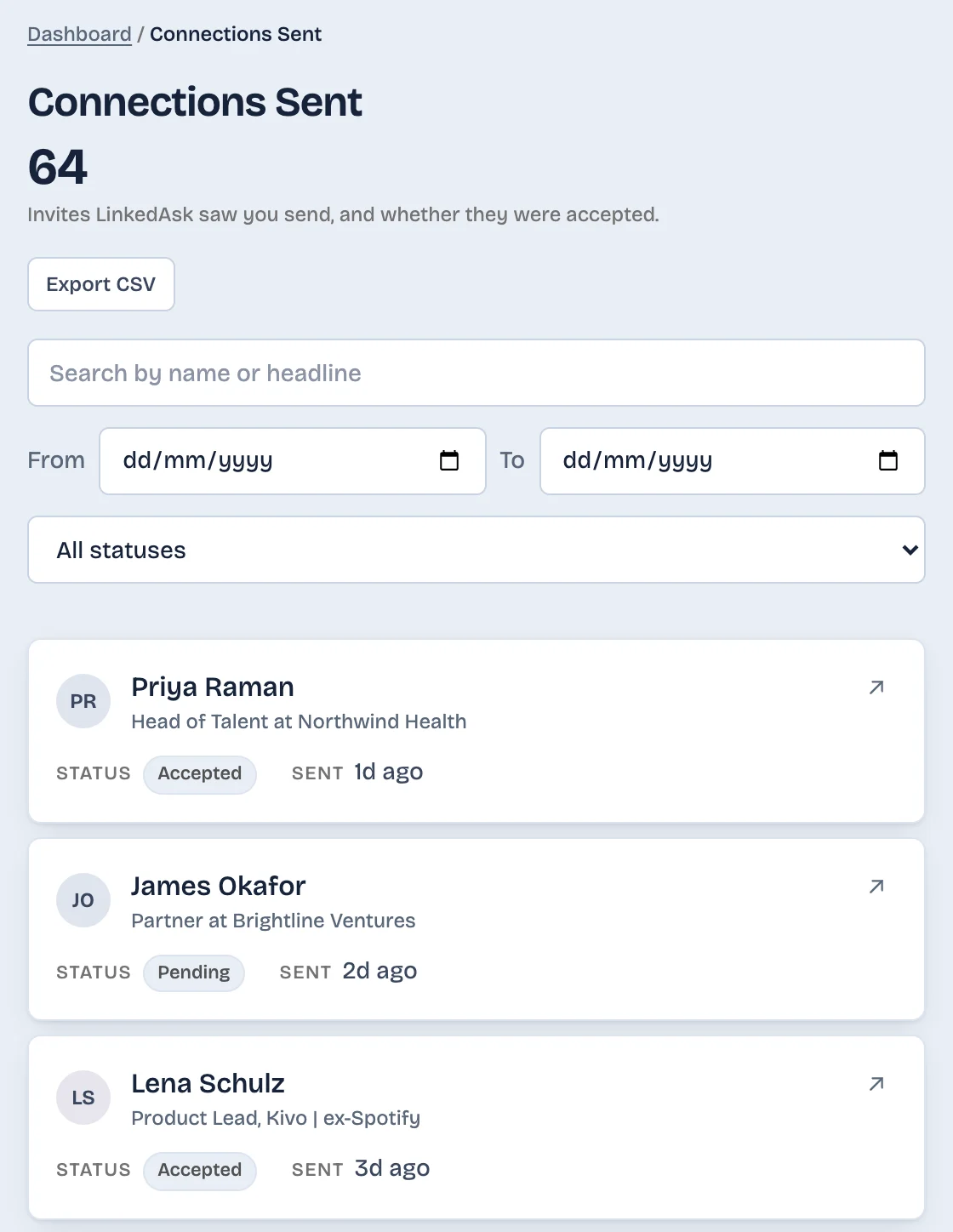
A note or a spreadsheet with the name and the date works if you send a few requests a month. Your LinkedIn data export also includes invitations. LinkedAsk's activity history keeps the invites it saw you send, with the date, marked Accepted, Pending or No longer pending, so they stay after LinkedIn drops them.
What to do next
- Still pending, and you still want the connection: leave it. The recipient gets up to two reminders before it expires.
- Still pending, and you no longer want it: withdraw it from the Sent tab. You can invite that person again after up to three weeks.
- Gone, and you still want the connection: send a new request. LinkedIn documents no wait after expiry.
- Still listed after more than six months: LinkedIn has not explained these. Withdraw it if you no longer want it.
Invitation expiry: questions
Does LinkedIn tell me when my invitation expires?
LinkedIn Help describes no notice for expiry, to you or to the recipient. The request simply stops showing as pending in your Sent tab. LinkedIn only states a no-notice rule for withdrawn and ignored invitations.
Can the other person still accept after the invitation expires?
LinkedIn Help does not say. It says an expired invitation no longer appears as pending and that you can send a new one.
Can I send a new invitation after one expires?
Yes. LinkedIn Help says you can send a new one once an invitation expires. The wait of up to three weeks that LinkedIn documents applies only after you withdraw an invitation.
Do LinkedIn invitations expire after three months?
No. LinkedIn Help gives six months as of October 2026. LinkedIn Help gives no three-month figure.
Why do I still see very old pending invitations?
LinkedIn only added the expiry answer to its Help pages between December 2025 and February 2026, and it has not said what happens to requests sent before that. If an old request is still listed and you no longer want it, withdraw it from your Sent tab.
Keep reading
- Guide · 4 minLinkedIn sent invitations: where each one goesLinkedIn's Sent tab lists only pending invitations. Find it on desktop and in the app, see what happens to each one, and keep a record of the rest.
- Guide · 4 minHow to see all your LinkedIn connectionsYour LinkedIn connections list is under My Network, then Connections, as of October 2026. See how to search, sort and filter it, and why it looks short.
- Guide · 4 minLinkedIn connection growth over time, by monthLinkedIn shows only today's connection total. Rebuild your connection growth over time from the export's dates, month by month, and see why old months read low.
Keep a dated list of the invites you send.
LinkedAsk notes each invite it sees you send, with the day, and marks it Accepted, Pending or No longer pending.