Can LinkedIn Premium see anonymous viewers? No
Anna SheronovaUpdated
No. As of November 2026, LinkedIn Help says that even with a Premium account you cannot see the names of people who viewed your profile in private mode. What Premium changes is the length and detail of the list: the full list of viewers for up to 365 days instead of the three most recent, with filters and a trend graph. Paying makes the list longer. It does not name the people who chose not to be named.
If you are deciding whether to buy, is LinkedIn Premium worth it weighs everything the plans include. This page covers one question: what happens to the anonymous entries.
What Premium adds to your viewer list
Premium adds length and detail. As of November 2026, LinkedIn Help lists these differences from a free (Basic) account (Basic vs Premium differences, Premium subscriber insights):
| What you look at | Free account | Premium |
|---|---|---|
| Viewers you see | The three most recent | The full list |
| Time window | Last 90 days | Up to 365 days |
| Viewers who show their name | Shown, within the three | Shown, all of them |
| Semi-private viewers | A description, no name | A description, no name |
| Private mode viewers | "LinkedIn Member", no name | "LinkedIn Member", no name |
| Filters and trend graph | Not available | Available |
The date filter starts at 90 days and widens to 365. Premium Career and Premium Business both get the 365-day window, and the Career vs Business comparison covers what else separates the two plans. Every row about names is subject to what each viewer chose to show: LinkedIn says viewer insights follow the viewer's privacy settings.
What stays anonymous on every plan
Private mode stays private. LinkedIn Help says you cannot view the names of members who chose private mode, even if you have a Premium account (LinkedIn Help). The viewer shows as "LinkedIn Member", with a line that the person is viewing profiles in private mode (LinkedIn Help).
Semi-private viewers, who use private profile characteristics, show a description such as "Someone at" a company instead of a name. LinkedIn words the rule for a Premium account in general, so it does not depend on which plan you pick. To read those descriptions against what you did lately, see how to read an anonymous viewer entry.
Premium makes the list longer. It does not make the anonymous entries any less anonymous.
Why some viewers look blurred before you pay
A blurred or missing card on a free account is usually the list limit, not privacy. A free account shows three viewers from the last 90 days, so anyone beyond them sits behind the Premium gate. That gate opens with a plan. A "LinkedIn Member" card is different, because the viewer chose it. Does LinkedIn show who viewed your profile explains the two cases side by side.
Does the viewer's own Premium matter?
For you, no. What you see about a viewer depends on the setting that person picked, and neither their plan nor yours lifts it. Their plan matters to them: LinkedIn Help says a Premium member can browse privately and still see their own viewer list, which a free member cannot. The viewer's side of the setting is in LinkedIn private mode.
Apps that promise to unblur viewers
No name sits on the page to uncover. LinkedIn does not show private-mode names to anyone, so nothing can reveal them. Skip any app that says it can.
Keep the labels you do get, with dates
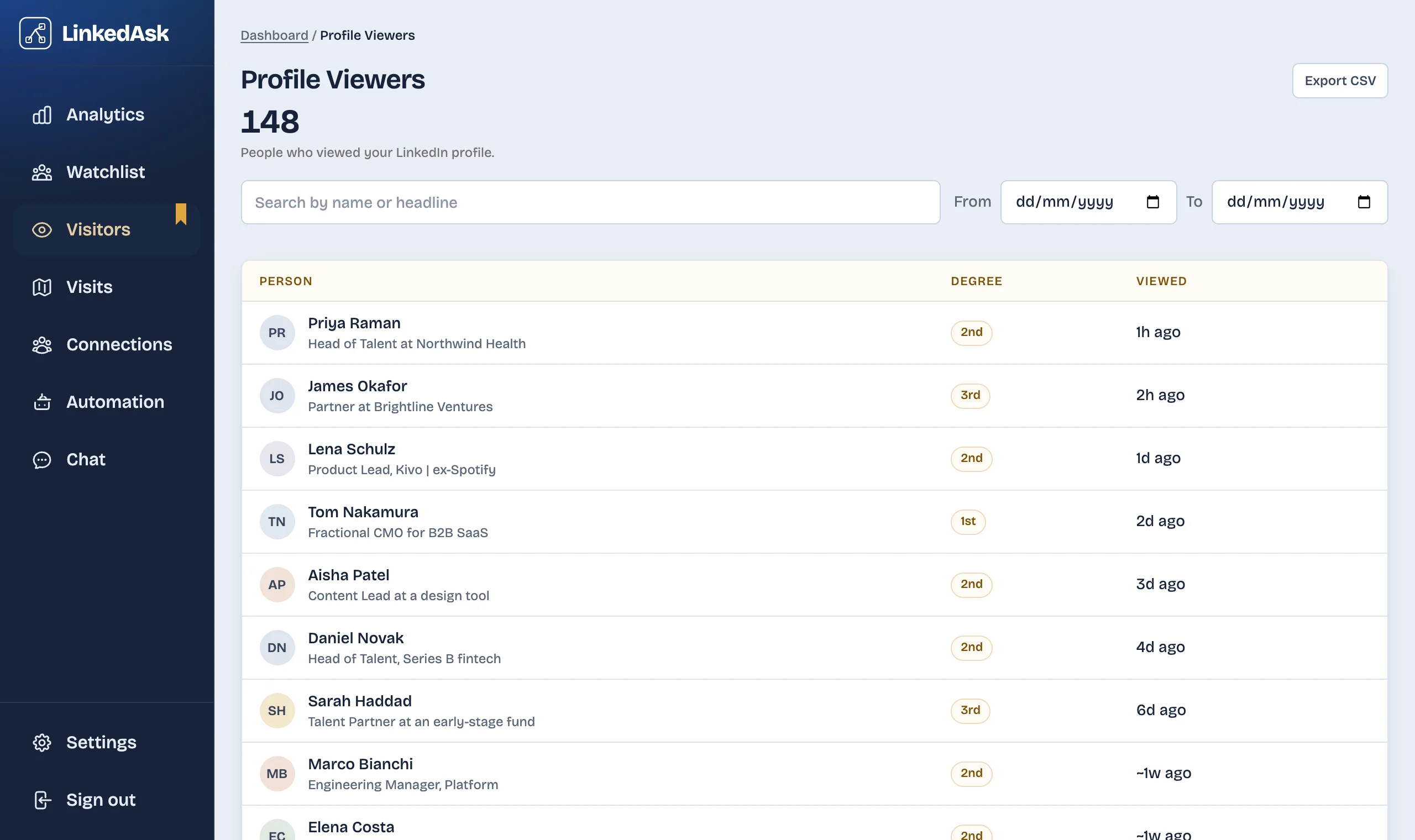
LinkedIn's list is a window, so the named viewers you see today are gone later. LinkedAsk is a Chrome extension that saves each viewer entry LinkedIn shows you, with the date, and keeps them after the window closes. Anonymous entries are saved as LinkedIn's own label, such as "Someone at" a company.
Questions
Can I see who viewed my LinkedIn profile in private mode?
No. As of November 2026, LinkedIn Help says you cannot see the names of members who viewed you in private mode, even with a Premium account. They appear as "LinkedIn Member".
If I buy Premium, will old anonymous views become visible?
No. Anonymous entries stay as LinkedIn labels them, and the list reaches back up to 365 days. LinkedIn Help does not say whether upgrading shows views from before you upgraded, so treat that as unconfirmed.
Why are some viewers "LinkedIn Member" if they have Premium?
Premium lets a member browse privately and still see their own viewer list. The setting they pick decides what you see about them, so their plan does not change the label.
Does LinkedIn Premium show how someone found my profile?
LinkedIn lists how viewers found you among its Premium viewer insights as of November 2026. Those insights follow each viewer's privacy settings, so a private-mode viewer still gives no name.
Can another tool name an anonymous viewer?
No. LinkedIn does not show private-mode names to anyone, so there is no name for a tool to uncover. A tool can only keep the label LinkedIn showed you, with a date.
Keep reading
- Guide · 4 minIs LinkedIn Premium worth it? Who it's forPremium is worth it if you will use a feature you can name: the full viewer list, InMail or applicant insights. What each plan gives you and who can skip it.
- Guide · 3 minIs LinkedIn Premium worth it for freelancers?What Premium Business gives a freelancer or consultant: InMail, the viewer list and a custom button. Where it helps with leads and where it does not.
- Comparison · 4 minLeadDelta vs LinkedAsk: a team CRM or a personal oneLooking for a LeadDelta alternative? LeadDelta is a team CRM with contact data and an AI inbox. LinkedAsk keeps your own LinkedIn activity. See which fits.
Keep every viewer LinkedIn shows you.
LinkedAsk saves each viewer entry LinkedIn shows you, with the date, so your list keeps growing after LinkedIn's window ends.